Unit precision
A cover gasket 100 × 60 with 5 × 45° chamfers is redrawn from someone else’s drawing. The dimensions there are in whole millimetres: the chamfers are labelled «7» and «12». The designer enters the segments from these numbers, AutoCAD shows them with zero decimal places, and everything looks exact. The hatch will not fill: «Valid hatch boundary not found». At the end of the boundary there is a 0.45 mm gap, and at LUPREC 0 the properties show it as «0».
Unit precision is the number of decimal places the program displays on screen. It does not change the geometry: coordinates are stored in double precision, about 15 significant digits. Rounding hides the error but does not remove it. If the numbers for construction are taken from the screen rather than through object snaps, the error of each number passes into the drawing. The errors add up along the boundary, and the last point does not arrive back at the first.
| Quantity | p — number of decimal places; rounding error ε, mm |
| Error bound | |ε| ≤ 0.5 · 10⁻ᵖ: at 0 decimal places — 0.5 mm, at 2 — 0.005, at 4 — 0.00005 |
| Variables | LUPREC — linear units, 0–8; DIMDEC — dimension text; AUPREC — angles |
| Storage | IEEE 754 double precision: about 15–16 significant digits, independent of LUPREC |
| Closure | the hatch accepts the boundary if the gap ≤ HPGAPTOL; default 0 — an exact joint is needed |
01 · Definition
The displayed number and the real one
To round to p decimal places means to replace a number with the nearest multiple of 10⁻ᵖ. The difference between them is at most half a step: 0.5 · 10⁻ᵖ. At LUPREC 4 a 99.9996 segment is shown as 99.9996, at LUPREC 3 as 100.000, at LUPREC 0 as 100. All three entries are one and the same segment, only shown with a different number of decimal places.
The danger comes when the displayed number becomes the input for the next construction. Every number typed in from the screen carries an error of up to half a step. In a closed boundary of n sides the errors add up as vectors, and the end drifts away from the start. The worst case is n · 0.5 · 10⁻ᵖ, usually less, about 0.3 · 10⁻ᵖ · √n. Object snaps to endpoints and intersections take coordinates from memory, where the number is stored in full, and no error arises.
How a segment is displayed
The rows are LUPREC from 0 to 8. On the right is what the screen shows; the bar is the hidden error, logarithmic scale. Choose a segment.
Five parts, three variables, one gap
The main action is the «Start drawing» button. The part is drawn segment by segment from the numbers of another drawing, on which the dimensions are rounded to DIMDEC. Then dimensions are placed, and at the chosen LUPREC everything adds up. Then a hatch is tried: if the gap at the end of the boundary is larger than HPGAPTOL, the fill leaks. The microscope magnifies the corner in tenfold steps until the gap becomes visible, and the control panel shows it with eight decimal places. Below the scene you choose the part: a gasket with chamfers, a 30° gusset, a tapered key, an access panel with a gable or a base plate from PDF. There you also choose where the numbers come from (DIMDEC of someone else’s drawing or object snaps), which LUPREC is set on screen, and HPGAPTOL. The «Show all digits» button switches on LUPREC 8 and reveals the truth.
—
02 · Conversion
Angles are rounded too: AUPREC 0 shows 30° for a line at 29.9996°. On a 100 mm side this shifts the end by 0.0007 mm — enough for the boundary not to close.
DIMRND rounds dimension text to a step: at 0.5 a 99.7 dimension is labelled 99.5. This is a presentation rule, not construction precision, and the two must not be confused.
| p | step | |ε| max | gap, 8 sides | where |
| {k} | {v} | {h} | {a} | {n} |
03 · Orders of magnitude
04 · Measuring instruments
05 · Writing rules
Series · Drafting and CAD
desk tips for every sheet06 · Neighbouring units
07 · Historical section
The number of digits in an entry is a statement of precision: «100» means «from 99.5 to 100.5», «100.00» means «from 99.995 to 100.005». In metrology a result is written exactly this way: the last digit is the first uncertain one. In CAD the rule is the reverse: the geometry is exact, and the entry is coarser than it. That is why an entry must never be fed back into construction.
The errors of the boundary sides are independent and uniformly distributed within ±½ step. Their sum along the boundary behaves like a random walk: the mean gap grows as the square root of the number of sides. A hexagon at DIMDEC 2 leaves a gap of about 0.005 mm, and that is enough for the hatch not to find the boundary.
Catalogue of quantities
the whole index →The seven SI base units
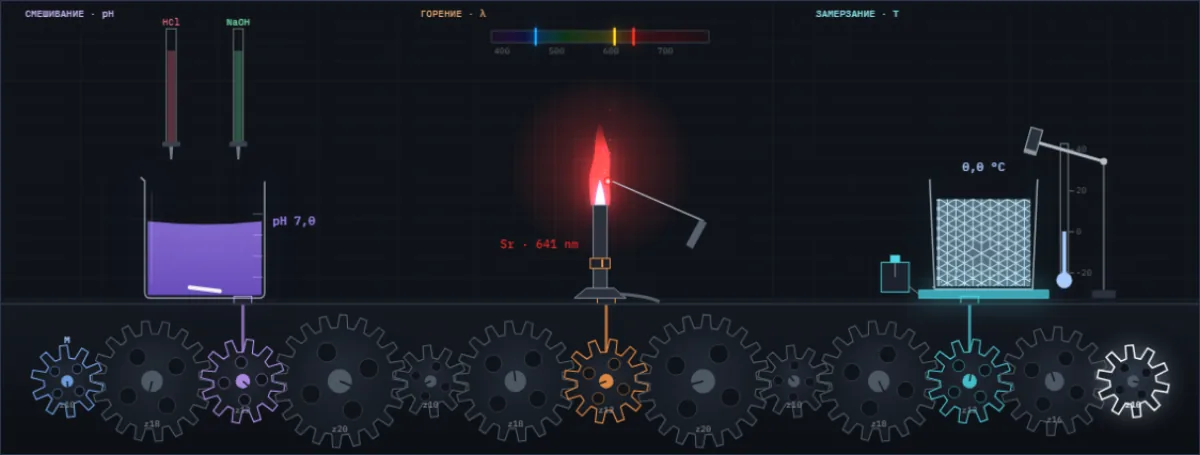
A drop of acid changes the colour of the juice, salt colours the flame, water freezes at a tap. Below them are all Simetrium sheets, by discipline and alphabetically.
Open the index →